
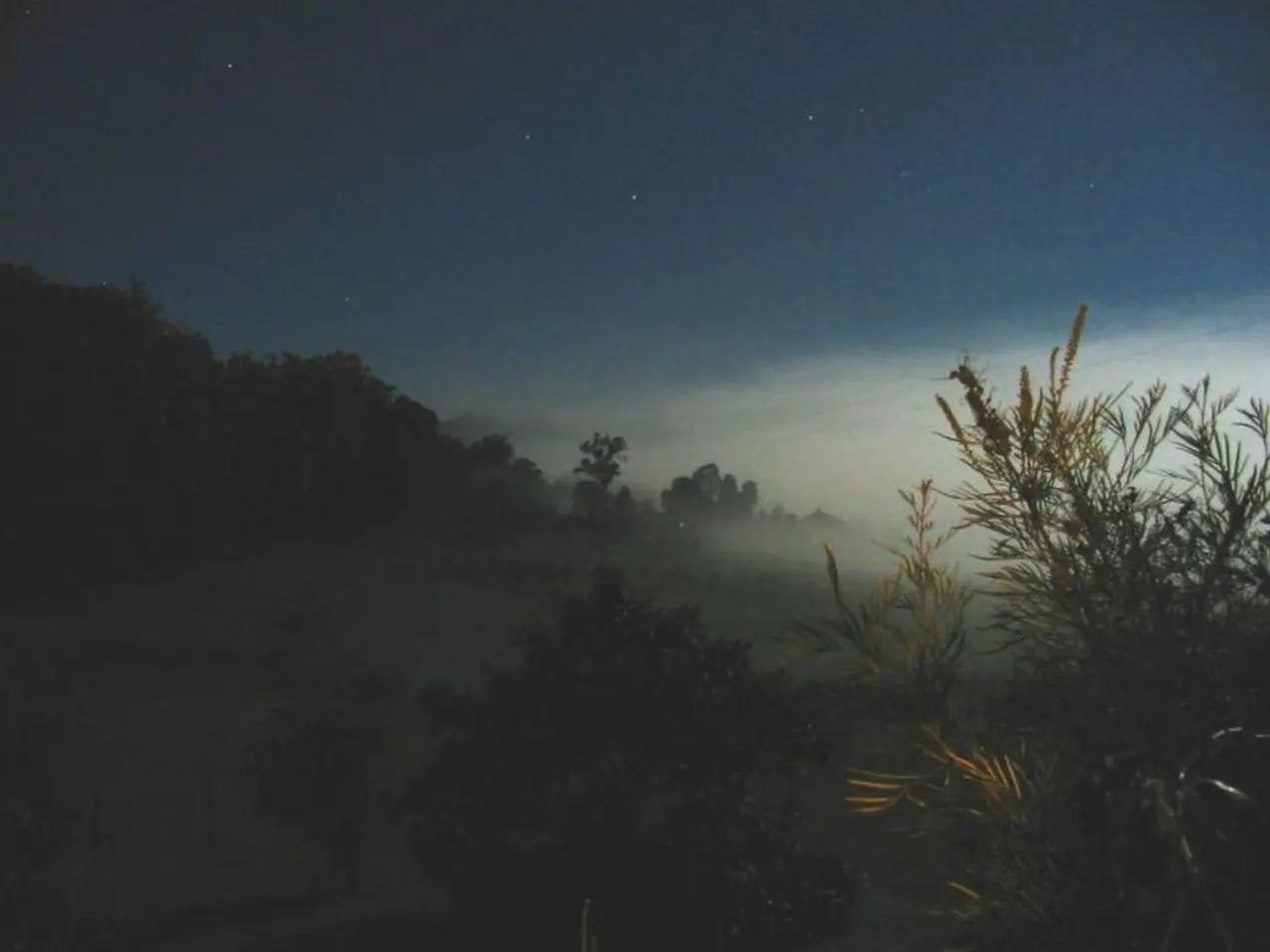
Enhance your astrophotos to higher levels! Learn the significance of image processing and techniques for delivering astounding results.
Astrophotography Software: A Comprehensive Guide for Stargazers
Astrophotography, the art of capturing the beauty of the night sky, has grown in popularity in recent years. One essential tool in this pursuit is image processing software, designed to enhance digital images and bring out the best in deep-sky objects and celestial bodies.
Image Processing in Astrophotography
Image processing is a technique used to enhance digital images, often in astrophotography. Longer exposures in star trail photography mean ISO levels need to be managed to prevent noise or light pollution. For deep-sky imaging, a telescope is the best option, and calibration frames (darks, bias, and flats) are necessary for processing.
Top Astrophotography Software
The best image processing software programs for astrophotography include PixInsight, Siril, DeepSkyStacker, and Astro Panel X 2026 (Photoshop plugin).
PixInsight is a highly sophisticated and widely used platform specialized in astrophotography processing. Known for its extensive features and powerful capabilities such as advanced stacking, noise reduction, and calibration, it is proprietary and paid but valued for its comprehensive tools and continuous updates.
Siril is a free and open-source astrophotography image processing tool that supports image stacking, noise reduction, and alignment. It is cross-platform (Windows, Mac, Linux) and often recommended as the most popular free alternative to PixInsight, though considered somewhat less feature-rich and harder to learn.
DeepSkyStacker is freeware focused on simplifying deep sky image pre-processing, especially stacking and noise reduction, but it presently supports only Windows.
Astro Panel X 2026 is a Photoshop plugin that incorporates artificial intelligence (AI) to aid astrophotography processing, including intelligent stacking, star masking, noise reduction, and gradient elimination, significantly streamlining workflow for Photoshop users. It was released in 2025 and represents a new generation of AI-assisted tools in astrophotography.
Additional Tools
AI-based noise reduction and star removal software like Seti Astro Cosmic Clarity, GraXpert, and Starnet v2 CLI can complement main programs for specific tasks like noise reduction and star masking.
Software Comparison
| Software | Key Features | Platforms | Cost | |-------------------|------------------------------------------------|--------------------|------------------| | PixInsight | Advanced stacking, calibration, noise reduction| Windows, Mac, Linux | Paid (proprietary)| | Siril | Image stacking, noise reduction, free & open source| Windows, Mac, Linux | Free (open source)| | DeepSkyStacker | Simplified stacking and noise reduction | Windows only | Free (proprietary)| | Astro Panel X 2026| AI-assisted stacking, star masking, gradient removal (Photoshop plugin)| Photoshop (Windows/Mac)| Paid (proprietary)|
This combination of software offers options that range from professional-grade comprehensive platforms (PixInsight, Astro Panel X) to powerful free tools (Siril, DeepSkyStacker), catering to astrophotographers of different skill levels and budgets.
Planetary Imaging
For planetary imaging, a longer focal length of the telescope is beneficial. AutoStakkert! is the best program for stacking lunar or planetary images.
Nightscape Photography
Nightscapes can capture landscapes at night, the Milky Way, noctilucent clouds, Moon sequences, or the aurora. Nightscapes can be captured using basic equipment such as a DSLR with a lens or a smartphone, and a tripod. Stitching images together requires software such as Microsoft Image Composition Editor (ICE). Selective Color is useful for removing sky glow and magenta from a nightscape in Adobe Lightroom or Photoshop.
Star Trail Photography
Star trails are made up of multiple merged images, each of around 30- to 60-second exposures. An intervalometer can be used to control when the shutter goes off in star trail photography. Stacking multiple DSLR images or using a planetary camera can help achieve sharper lunar details. Blending several side-by-side images into a panorama is a popular option for nightscapes.
Other Free Image Processing Software
AutoStakkert!, DeepSkyStacker, GIMP, Image Composition Editor, RegiStax, Sequator, and Startrails are other free image processing software programs. Using RegiStax, the Wavelets function is important for sharpening and emphasizing detail in lunar or planetary images.
The '500 Rule'
The '500 Rule' can be used to determine the longest exposure time for a setup, to prevent stars from trailing noticeably.
Conclusion
With the right tools and techniques, astrophotography can be a rewarding and exciting pursuit. From capturing the beauty of the Milky Way to the intricate details of the Moon, the right software can make all the difference in bringing out the best in your images. Whether you're a beginner or a seasoned astrophotographer, there's a software solution out there to fit your needs and budget.
- The process of image processing in astrophotography is used to enhance digital images, especially deep-sky objects and celestial bodies, by employing techniques such as image stacking, noise reduction, and alignment.
- AI-based software like Seti Astro Cosmic Clarity, GraXpert, and Starnet v2 CLI can be used in conjunction with the primary image processing programs for specific tasks, such as noise reduction and star masking.
- Planetary imaging benefits from a longer focal length of the telescope, and the best program for stacking lunar or planetary images is AutoStackert!.
- For nightscapes, basic equipment such as a DSLR with a lens or a smartphone, and a tripod can be used, and images can be stitched together using software like Microsoft Image Composition Editor (ICE), while selective color can be utilized in Adobe Lightroom or Photoshop to remove sky glow and magenta from nightscapes.




